
AI for Meta ads: what AI tools can do today
In short
AI for Meta ads comes in four kinds today: Meta's own AI inside Ads Manager, chat assistants connected to your ad account through Meta's ads MCP server, creative tools that make ad images, and copilots or agents built on your live account data. Each does a different job, so the right tool depends on what you want to hand over and what you want to keep.
Meta's own AI: Advantage+
The AI you already use, often without noticing, is Meta's. Meta describes Advantage+ as a suite of products that uses AI to optimize campaigns and match ads to the people most likely to take action (Meta Business Help).
On the creative side, Advantage+ creative turns your images and videos into versions your audience is more likely to interact with. Some of these enhancements use generative AI, for example "Add animation", which turns a still image into a short video. Some enhancements may be on by default, and you can turn them off (Meta Business Help).
Chat assistants and Meta's ads MCP server
MCP stands for model context protocol, a standard way to connect an AI assistant to an outside system. Meta runs its own ads MCP server. Through these "Meta ads AI connectors", a conversational AI agent gets access to your ad account and can pull reports, create and edit campaigns, ad sets and ads, upload creatives and manage catalogs. Meta lists ChatGPT, Claude, Claude Code and Perplexity as supported agents. Ads created this way are paused until you set them live, actions on your behalf need your authorization, and people with full control of a business portfolio can set rules for what an agent may do in each ad account (Meta Business Help).
With this, a general chat assistant can work with your real account data. You still decide which assistant gets access, what it may change and who checks its work.
Creative tools
Image and video generators produce ad creatives from a short description or a product photo. Two things matter for Meta ads. First, the formats: an ad that runs in Feed, Stories and Reels needs more than one aspect ratio, and Meta recommends keeping text and logos out of the edges that the interface can cover (Meta Business Help). Second, labeling: Meta adds an "AI info" label to ads made or significantly edited with its own generative tools and to ads where it detects third-party AI tools (Meta Business Help), and ads about social issues, elections or politics must disclose photorealistic AI media (Meta Transparency Center).
Copilots and agents built on live account data
The fourth kind sits between you and your ad accounts. A copilot reads the account data and answers questions about it. An agent runs a task without you, for example checking a metric every day and acting when it tips. The questions to ask about any of them are the same:
- Which data does it see? Live numbers from Meta, or an export from last week?
- What can it change? Only suggest, or also pause, change budgets and create campaigns?
- Who approves? Does every change need a click from a person, and can you limit it per ad account?
- What does it remember? Can you see later what it changed, when and why?
What AI cannot take off your plate
AI can sort numbers and draft changes. It doesn't know your margins unless you tell it, it can't judge whether an ad fits your brand, and it can work against Meta's own delivery. Every significant edit, such as a change to targeting, creative, optimization event or a large budget jump, can send an ad set back into the learning phase (Meta Business Help). A tool that changes things every few hours can keep your ad sets learning. Give AI a clear goal, a limit on what it may touch and a person who approves.
How aurexus helps
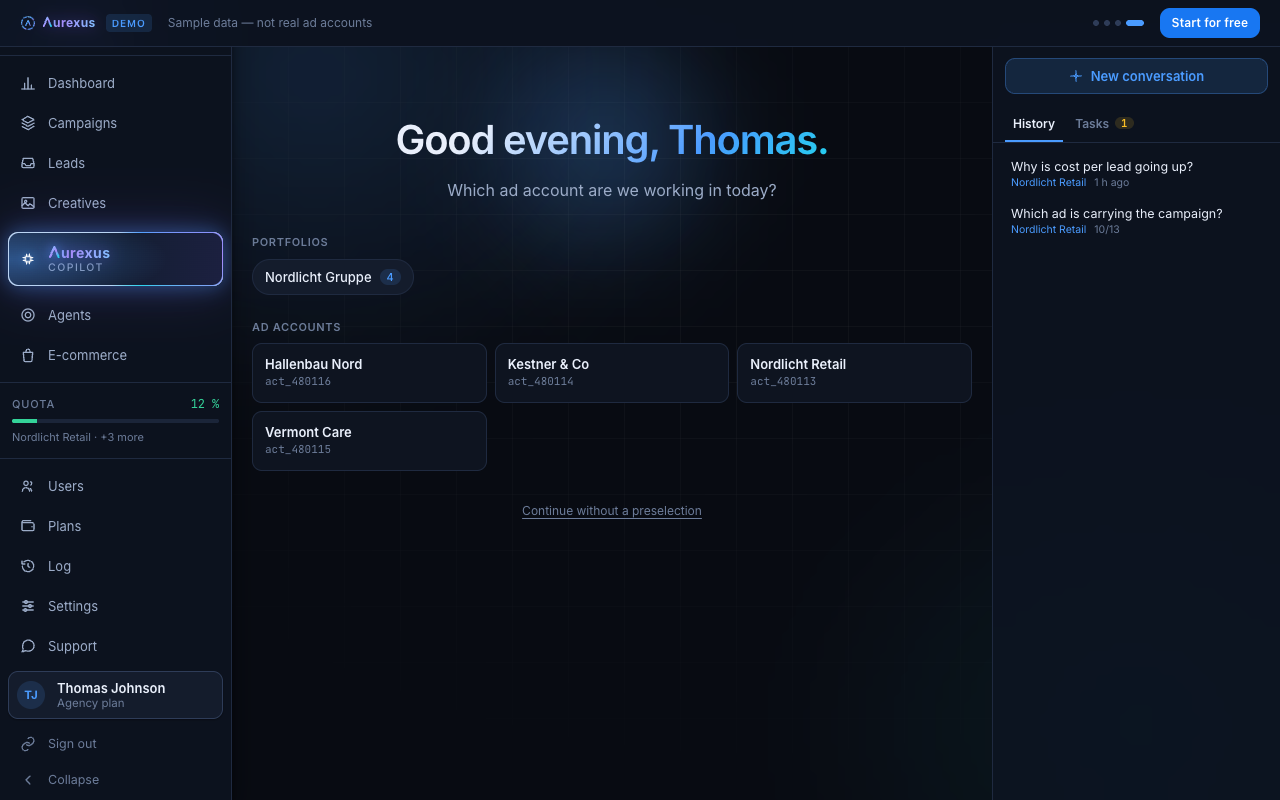
aurexus brings a copilot, agents and an Ad Designer into one tool for your Meta ad accounts. The AI copilot reads campaigns, budgets, audiences and results live from Meta at the moment you ask, explains what changed and prepares changes as drafts. Nothing reaches the ad account until you approve the draft.
Agents check a metric for you and report by email, pause, switch back on or change a budget. The Ad Designer in the Creative Center first looks at which ads delivered in your account and then drafts new motifs in 1:1, 4:5, 9:16 and 16:9; more on the creatives page. Copilot, agents and the Creative Center are part of the paid plans Pro and Agency.
Frequently asked questions
What are the best AI tools for Meta ads?
It depends on the job. For delivery and auction decisions, Meta's own Advantage+ is built in. For questions and changes in natural language, you can connect a chat assistant through Meta's ads MCP server or use a copilot built for Meta ads. For images, use a creative tool that handles Meta's formats and safe zones. Compare tools by the data they see, what they can change and who approves.
Can ChatGPT run Facebook ads?
ChatGPT is one of the AI agents Meta supports for its ads AI connectors. Connected to your ad account, it can pull reports and create or edit campaigns, ad sets and ads. Ads it creates stay paused until you set them live, and actions need your authorization (Meta Business Help).
Does Meta use AI in its ads?
Yes. Meta Advantage+ uses AI to optimize campaigns and match ads to the people most likely to act (Meta Business Help), and Advantage+ creative includes generative AI features such as turning images into short videos (Meta Business Help).
What is Meta ads MCP?
Meta's ads MCP server is the Meta-hosted interface that lets an AI agent work with your ad account: reporting, ad creation, catalogs and more. Meta calls the integrations built on it "Meta ads AI connectors" (Meta Business Help).
How do I use Meta AI ads?
Turn on the Advantage+ options when you set up a campaign in Ads Manager, for example Advantage+ creative for your images and videos. Check which enhancements are on, since some may be on by default (Meta Business Help).