
Facebook ad creative generator: one motif in 1:1, 4:5, 9:16 and 16:9
The aurexus Ad Designer creates ad images for Meta with AI. Before it drafts anything, it looks at which ads have delivered in your ad account, at what cost, for which objective and in which visual style. Then you get finished creatives in four formats: 1:1, 4:5, 9:16 and 16:9.
Start is free forever — three ad accounts, one portfolio, no payment details.
It starts with your own winners
General advice about good ad creatives applies to everyone, so it tells you little about your account. The Ad Designer reads your own results first: which ads delivered, at what price, for which goal and in which look. It drafts new motifs only after that.
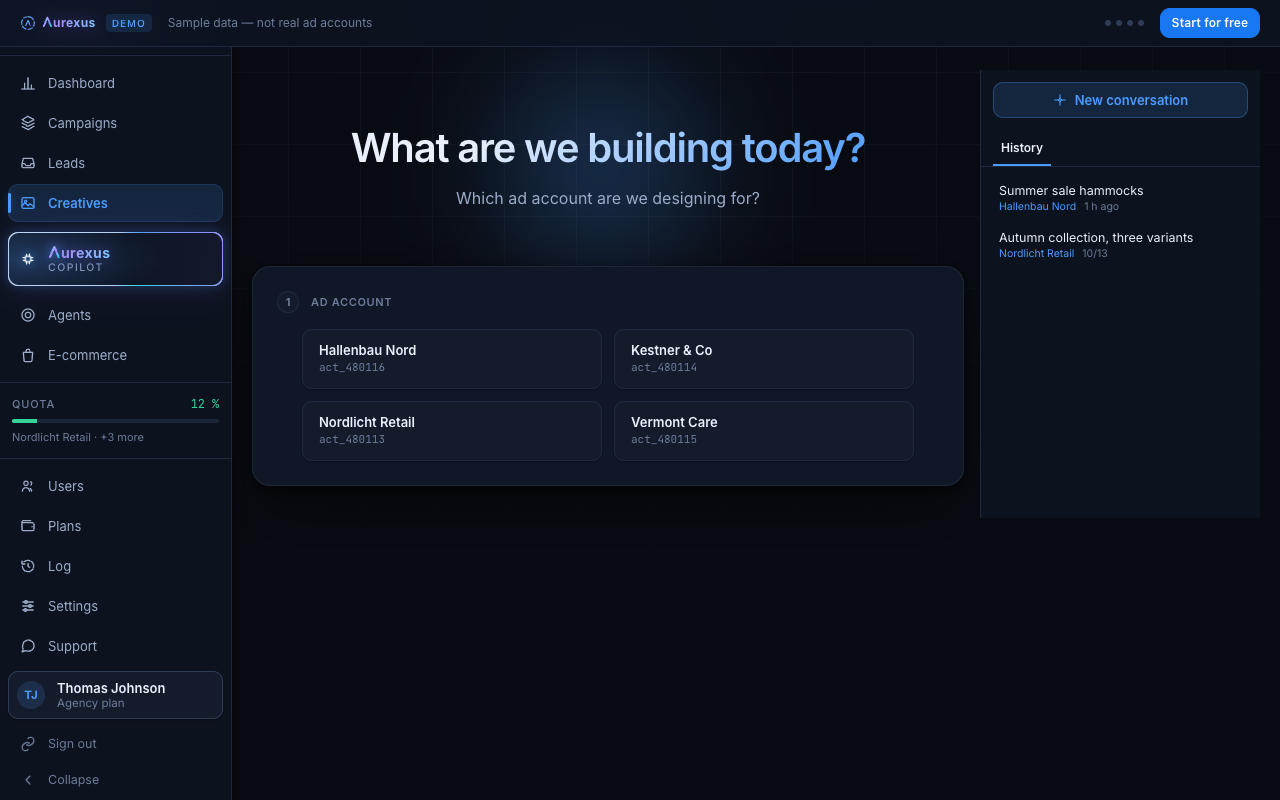
You describe what the ad is about and add a product image or a reference if you have one. You get back finished motifs for the ad account and the Facebook Page they should run under. What you like stays in the library.
Four formats from one motif
aurexus creates creatives in four formats:
- 1:1, 1080 × 1080 pixels
- 4:5, 1080 × 1350 pixels
- 9:16, 1080 × 1920 pixels
- 16:9, 1920 × 1080 pixels
From a template, the same motif comes out in the other formats too, so a campaign keeps one look across placements. Which sizes Meta recommends for each placement is listed in the guide on Meta ads sizes and formats.
Safe zones built into the code
Meta advises keeping the edges of 9:16 ads in Stories, Reels and Feed free of text and logos, because the interface, such as the profile icon or the call-to-action button, can crop or cover them (Meta Business Help). aurexus keeps these safe zones for Stories and Reels as fixed values in the code. If a text layer reaches into a zone, it is moved or flagged before you see the result.
AI label on file
For every motif, aurexus records whether it was created with AI. If you upload your own material, the copilot asks you once. That way you know what to declare if a rule requires it. Meta's rules on AI disclosure are covered in the questions below.
Part of Pro and Agency
The Creative Center is included in the paid plans Pro and Agency; the Start plan does not include it. You can hand finished motifs to the AI copilot, which builds a campaign draft from them. The guide on AI for Meta ads shows where creative tools fit among the other kinds of AI for Meta ads.
Frequently asked questions
What is a Facebook ad creative generator?
A tool that produces ad images or videos for Facebook and Instagram, usually with AI. The aurexus Ad Designer bases its drafts on the ads that already delivered in your own account and delivers each motif in 1:1, 4:5, 9:16 and 16:9.
How do I make ad creatives for Meta?
Start from what worked: look at your best-performing ads and keep their message and style. Make one clear point per image, keep text and logos inside Meta's safe zone (Meta Business Help) and prepare the formats your placements need. In aurexus, the Ad Designer does the first and last step for you.
Do I have to label AI images in Meta ads?
Meta labels much of it itself. It adds an "AI info" label to ads that were created or significantly edited with its own generative tools, such as Background Generation, Image Generation or Add Animation, and to ads where it detects third-party AI tools, for example through C2PA metadata. In some regions, including the European Region, you can also disclose AI use yourself (Meta Business Help). Ads about social issues, elections or politics must disclose photorealistic AI media (Meta Transparency Center). aurexus records for each motif whether it was made with AI.
Which formats does aurexus create?
Four: 1:1 (1080 × 1080), 4:5 (1080 × 1350), 9:16 (1080 × 1920) and 16:9 (1920 × 1080). From a template, the same motif comes out in all of them.